Range
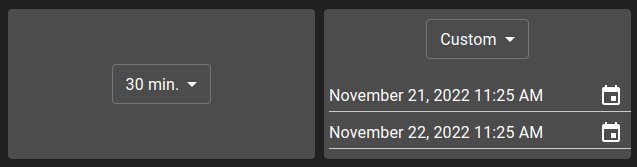
This widget allows you to filter one or more widgets by giving them a time range. This widget contains a list of ranges that are defined inside the widget settings. In addition to ranges set in the settings, two default entries are provided:
None: The widget receiving this will use its default value
Custom: Allows to specify a full date range. This range is only available if the type of Range is
Custom
List of configuration files
Filename |
Short description |
Format |
Link to documentation |
|---|---|---|---|
dashboard.view#RangeWidget |
Defines the RangeWidget widget global settings |
json |
List of examples
Short description |
Link to documentation |
|---|---|
Use a range to edit a chart |