Dashboard playlists
Overview
Dashboard playlists allow user to specify a dashboards cycle to iterate over.
Usage
To setup dashboard playlist, select the Manage entry in the menu toolbar.
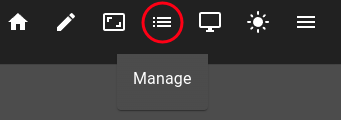
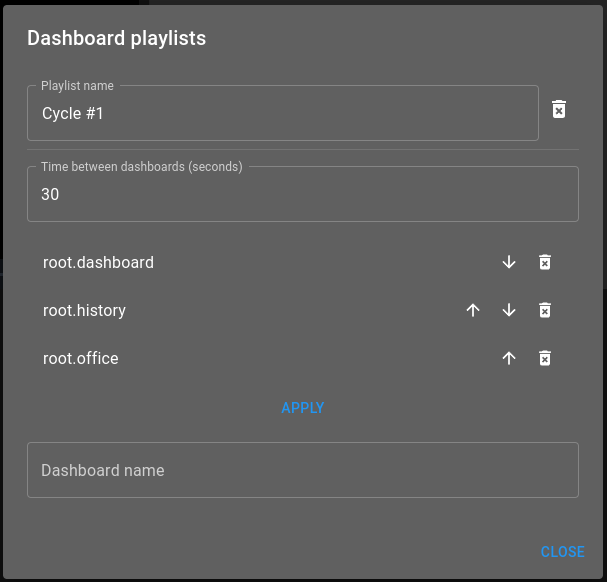
Following inputs allow to configure a playlist:
Playlist name: Name of the dashboard playlist
Time between dashboards (seconds): Amount of seconds to wait between each dashboards
Dashboard list: The cycle order in which playlists plays
After setting the dashboard playlist up, press Apply to save it.
Play
Playing a dashboard playlist is done by accessing the toolbar menu and selecting the playlist to cycle over.
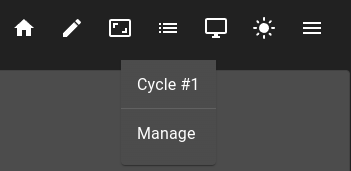
Once started, the playlist toolbar entry will show a green dot.
