Markdown
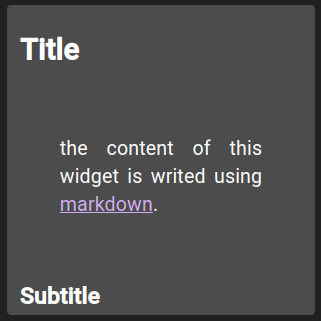
Markdown widgets allow markdown code rendering.
A task list item, such as - [ ] Check the pump, shows a checkbox the user can tick. - [x] starts it ticked. Ticks are not saved: reloading the dashboard brings back the state written in the markdown.
By default, the text is resized to fill the widget. Set fontSize, such as "14px" or "100%", to keep a fixed base size instead: headings and other text are sized relative to it, the spacing between headings, paragraphs and lists is tightened, and the widget scrolls when the content is taller. This suits longer content such as a checklist. "auto" keeps the resizing.
List of configuration files
Filename |
Short description |
Format |
Link to documentation |
|---|---|---|---|
dashboard.view#MarkdownWidget |
Defines the MarkdownWidget widget global settings |
json |